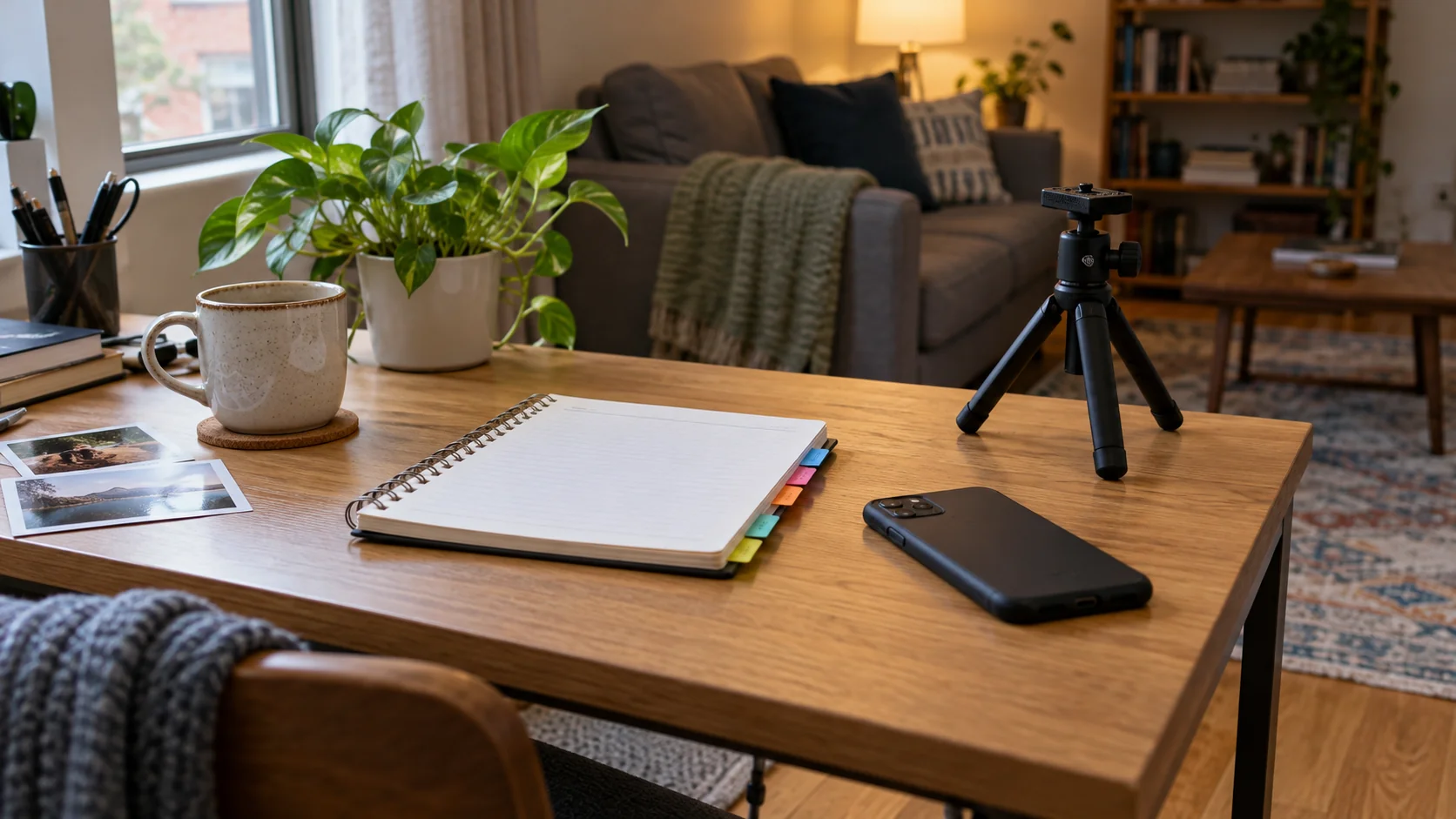
Content batching should reduce repeated setup, not turn one day into an exhausting production.
Separate capturing, selecting, and writing.
This workflow helps part-time creators finish useful posts with the equipment and time they already have.
It does not promise more reach.
Separate ideas from camera time
Keep a short idea list during the week, then choose a few related scenes for one capture session.
Do not film everything.
Each idea should answer a different question. Three slightly different angles are not automatically three useful posts.
- Write the reader problem before the shot list.
- Group scenes that use the same location.
- Drop ideas that require a purchase just to look complete.
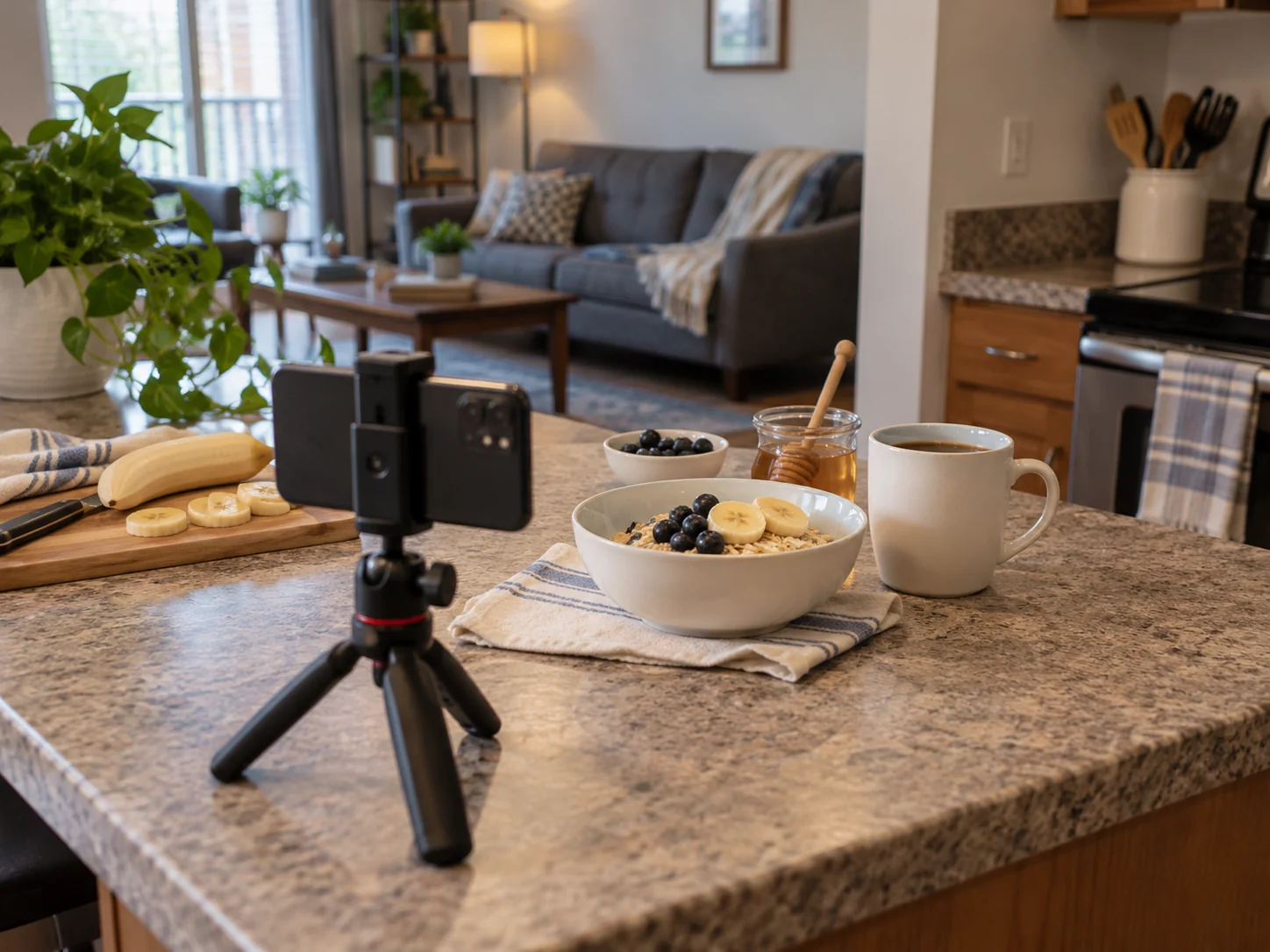
Capture the reusable parts once
Take a wide shot, a useful detail, and the action that explains the result.
Leave room to crop without cutting the subject.
Finish one setup before moving objects around.
A simple checklist can prevent a missing step from forcing another session.
- Wipe the lens and check available storage.
- Keep a plain background if privacy matters.
- Record any important limitation while it is fresh.
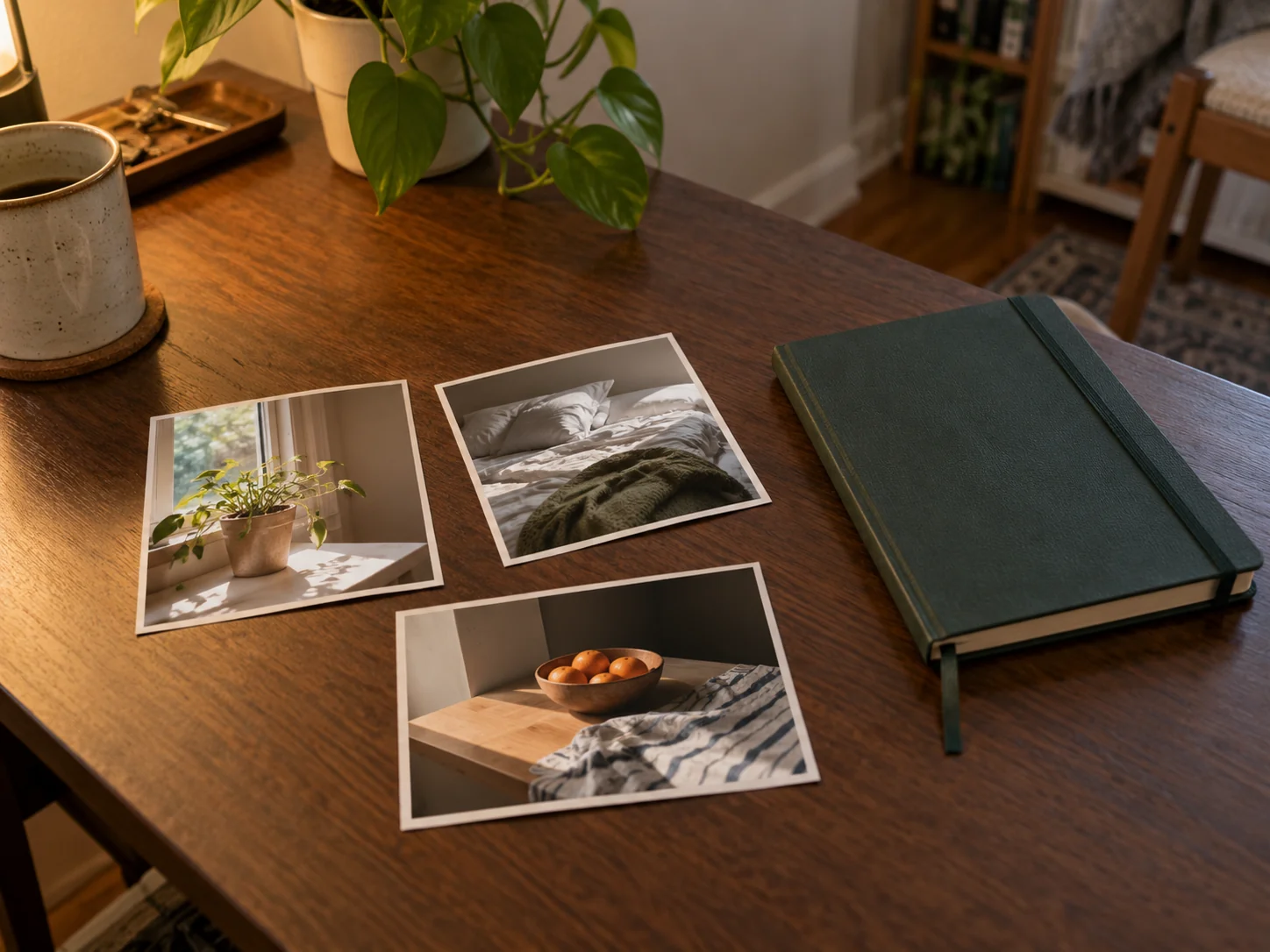
Select before you start editing
Choose the image that explains the idea most clearly.
A technically perfect but confusing frame is not the strongest choice.
Make a small keep folder and leave the rest alone for now.
Check edits at the size people will actually see.
- Remove duplicates from the working selection.
- Keep originals so you can revisit a crop.
- Write image descriptions while reviewing the selected frames.
Write and stop at a useful boundary
Draft captions in a separate block of time if that helps you focus.
Start with the answer, then add context.
Finish with fewer ready posts rather than a large folder of half-written ones.
No workflow guarantees reach or income.
- Check links and factual claims once per finished post.
- Save the final caption beside its image.
- Keep one clear next step for the next session.
Keep the finished files easy to find
Google Photos offers organization and album sharing.
Use any suitable private system; the goal is finding the right file without another edit.
W3C’s image-description guidance distinguishes meaningful images from decoration.
Review descriptions alongside your final image selection.
For a related moment, explore our weekend morning photo setups or pottery-date captions.


Join the conversation
Comments 0
Have a thought or a tip to share? We would love to hear from you.