
Home content can explain an idea without showing exactly where you live.
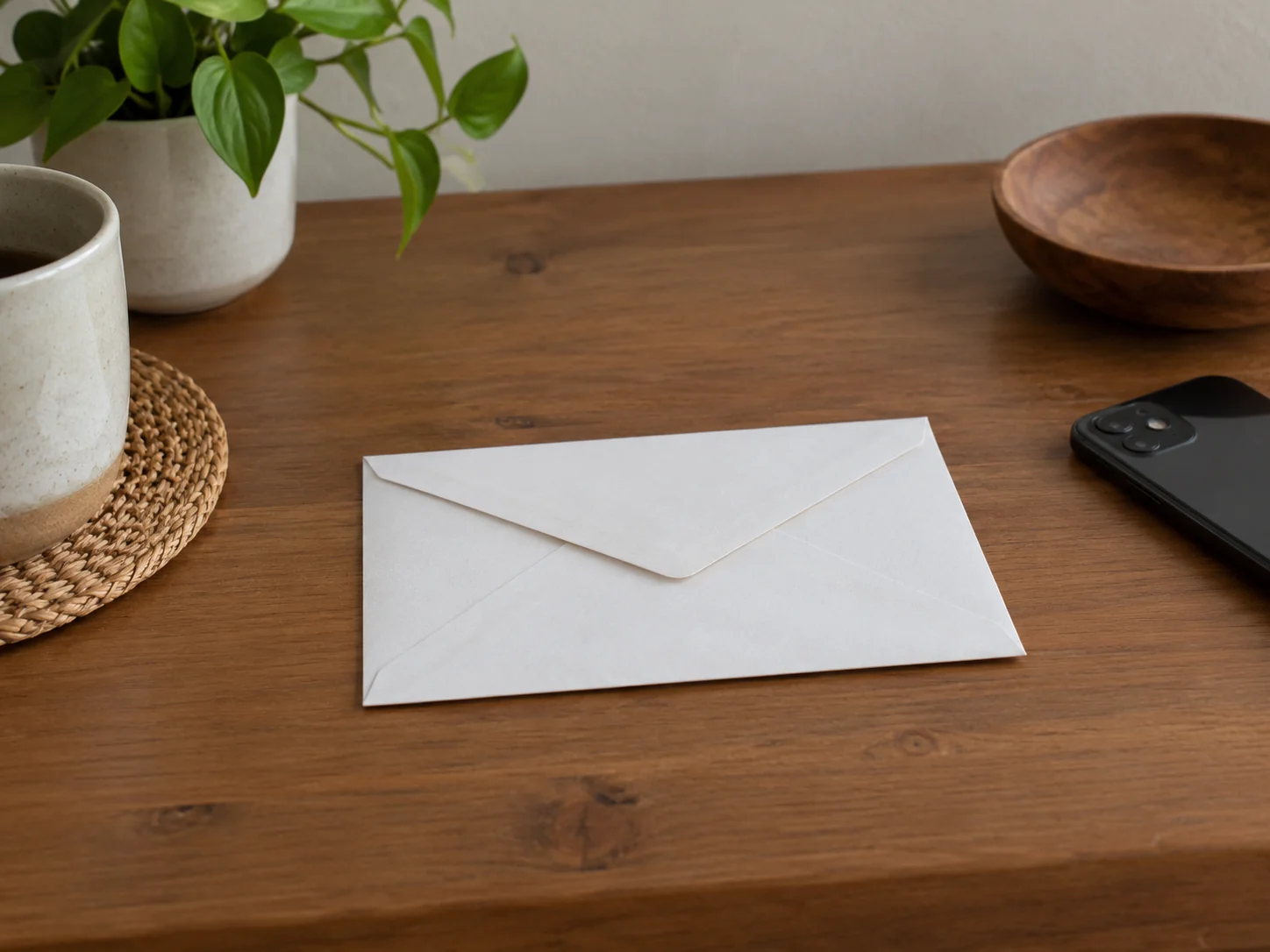
Check more than the obvious address label.
This guide covers framing, boundaries, and sharing choices.
It reduces avoidable disclosure; it cannot guarantee anonymity.
Check every edge of the frame
Look for mail, badges, labels, door numbers, and recognizable views before recording.
A neat room can still reveal private information.
Check mirrors, dark screens, and glass as well.
Moving the camera is often simpler than trying to remove details later.
- Use a neutral interior background.
- Turn private papers face down and out of frame.
- Inspect a still frame from each camera angle.
Decide what stays off your page
Choose boundaries before you need them: rooms, housemates, daily routes, or a regular departure time.
Other people need a choice too.
Avoid posting a location simply because it appears in another app.
Sharing settings and public-post choices are separate decisions.
- Ask housemates before showing shared spaces.
- Avoid pairing a home tour with a live location update.
- Keep private documents out of image descriptions too.
Review the exported version
Check the actual file you plan to upload, including any text, reflections, or background audio.
The working preview is not always enough.
Cropping can help, but it is not a guarantee that all identifying information is gone.
Use fewer revealing details from the start.
- Watch the whole clip once without multitasking.
- Look for an accidental notification or readable label.
- Check the platform location field before posting.

Share the useful idea, not the whole home
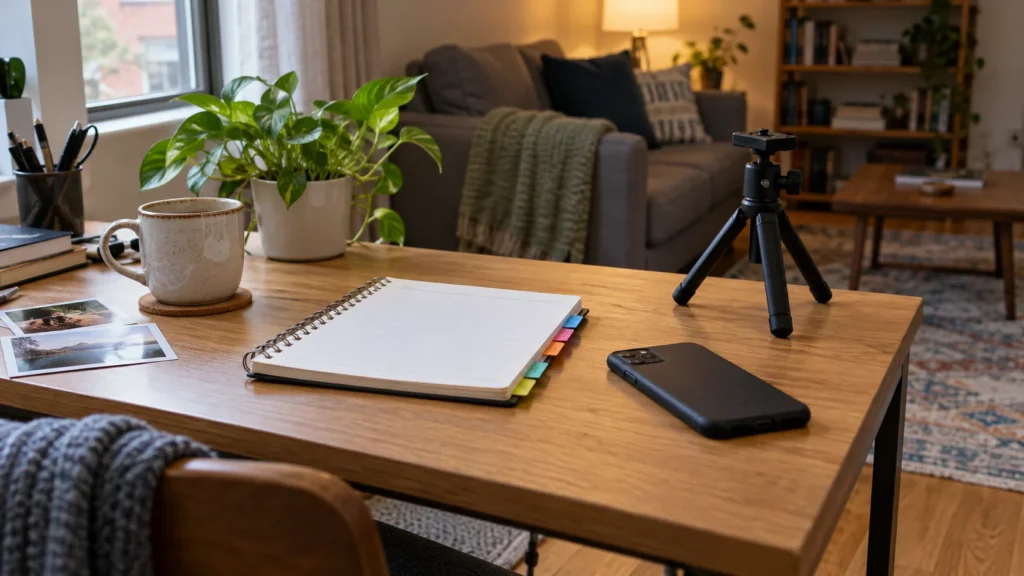
A close view of a storage method or cooking step can explain the result without documenting the layout of your apartment.
Keep the caption honest about what the viewer sees.
Privacy boundaries do not require making up a different life or address.
- Show the smallest view that still teaches the idea.
- Describe the action rather than a private location.
- Recheck old habits when a living situation changes.
Review sharing as well as framing
Google Photos describes selective sharing and album controls.
Check who can access an album before using its link in public content.
W3C’s image guidance focuses descriptions on meaningful information.
Explain the useful action without adding an address or private detail.
For a related moment, explore our first-apartment captions or weekend morning photo setups.


Join the conversation
Comments 0
Have a thought or a tip to share? We would love to hear from you.