
You can make useful Instagram content without showing your face.
Start with an ordinary process someone else would like to understand.
This plan separates the subject, camera setup, and caption so you can create without turning your whole day into footage.
Choose something useful to show
Start with one repeatable subject: a meal, a small-space habit, a craft, or a walk.
A face is not required.
Give the viewer a clear result.
Showing how you arrange a tiny entry shelf is more useful than filming random objects.
- Write one sentence describing who the post helps.
- Choose three moments that demonstrate the result.
- Leave addresses, work screens, and personal paperwork outside the frame.

Build three formats you can repeat
Try an overhead demonstration, a close detail, and a before-and-after from the same camera position.
Keep the comparison honest.
Change the subject, not every piece of equipment.
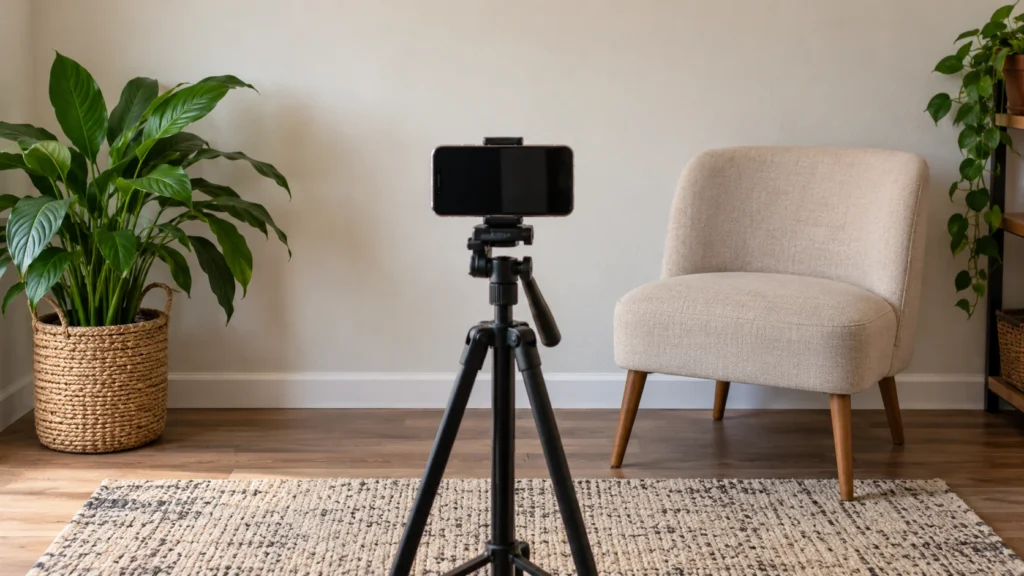
A phone supported safely on a stable surface can be enough.
- Show the finished result first when it clarifies the point.
- Capture a wide view before moving closer.
- Do not make a misleading before photo by adding mess.
Write the meaning outside the picture
Use the caption to explain the useful step, limitation, or choice.
Do not hide the answer in a graphic.
Describe important visual information for people who cannot see the photo.
Accessibility is part of making the idea understandable.
- Name the object and action in plain language.
- Include the step that might confuse a beginner.
- Keep captions for spoken content separate from decorative text.

Make a small plan you can maintain
Choose a realistic capture window and save a few ideas for later.
You do not need to film every ordinary moment.
Measure whether the workflow fits your life before increasing it.
A manageable plan is more useful than a posting promise you dread.
- Keep a private list of unused scenes.
- Save original files separately from edited exports.
- Choose a stopping point before you begin.
Keep the workflow clear and private
Google Photos describes optional photo organization and sharing tools. A private local folder can work too.
W3C’s image-description decision tree explains how meaningful images can receive useful text alternatives.
Apply that principle to your descriptions.
For a related moment, explore our weekend morning photo setups or small-apartment reset ideas.


Join the conversation
Comments 0
Have a thought or a tip to share? We would love to hear from you.